Connect the controls.
Read sticks and buttons through window.charlie. Your game decides what they do.
A little more hands-on.
A player for compatible web games, with native touch controls and offline saves.
Built for iOS & Android In development
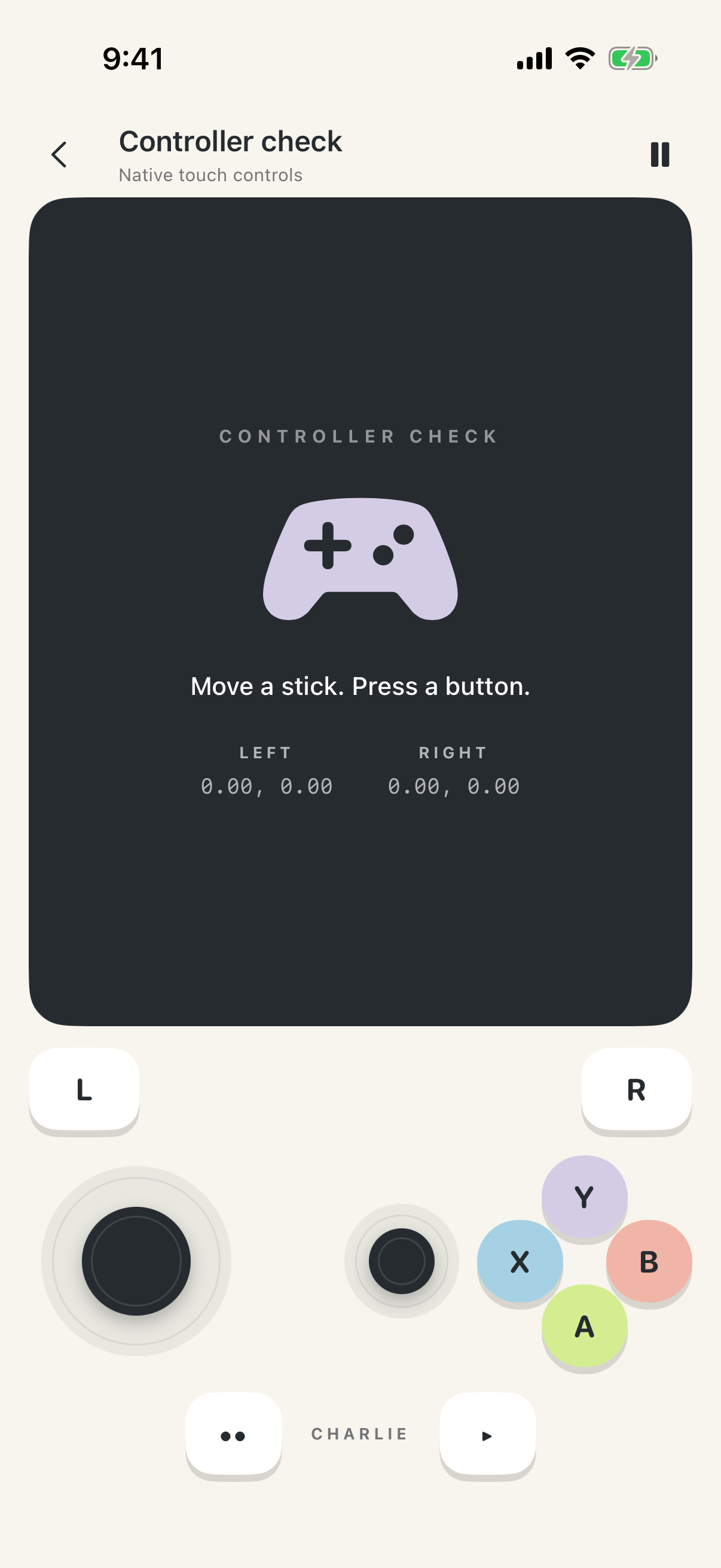 Made for your thumbs.
From browser to gamepad
HTML, ZIP or URL. A small input API. Ready to connect.
Read sticks and buttons through window.charlie. Your game decides what they do.
Export an HTML file or ZIP with your code and assets. Or host the web export at an HTTPS URL.
Players add your file or URL in Charlie, then open the saved game from their library.
Small API. Familiar game loop.
Keep your renderer and your game logic. Touch controls and compatible external gamepads use the same input API on iOS and Android.
See the integration// Wait for the native controller.
await charlie.ready;
// Read input in your game loop.
const { axes, buttons } = charlie.input;
player.x += axes[0] * speed * dt;
player.y += axes[1] * speed * dt;Give it a go
Optional demos for players and testers to see how Charlie works.
Charlie is in development. No games are included in the app. Example games are separate, optional downloads.